Adding an account
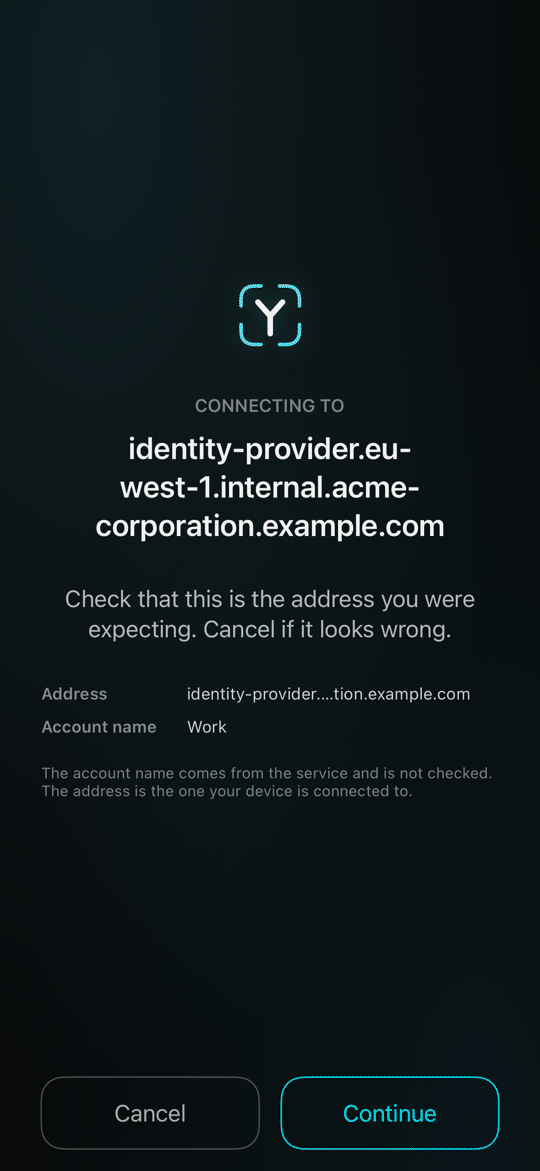
ReadyAdd an account by scanning the QR code your service shows you. Before anything is set up, the app shows the address the code points at, so you can check it is the one you expected.
Who this is for: someone setting up a new account — including after getting a new phone or reinstalling the app, where you add each account again with a new setup code.
Every account starts with a QR code from the service. The app shows the address it points at and asks you to continue, then binds this phone to that account. The app does not judge who runs that address. You decide.
Adding your first account#
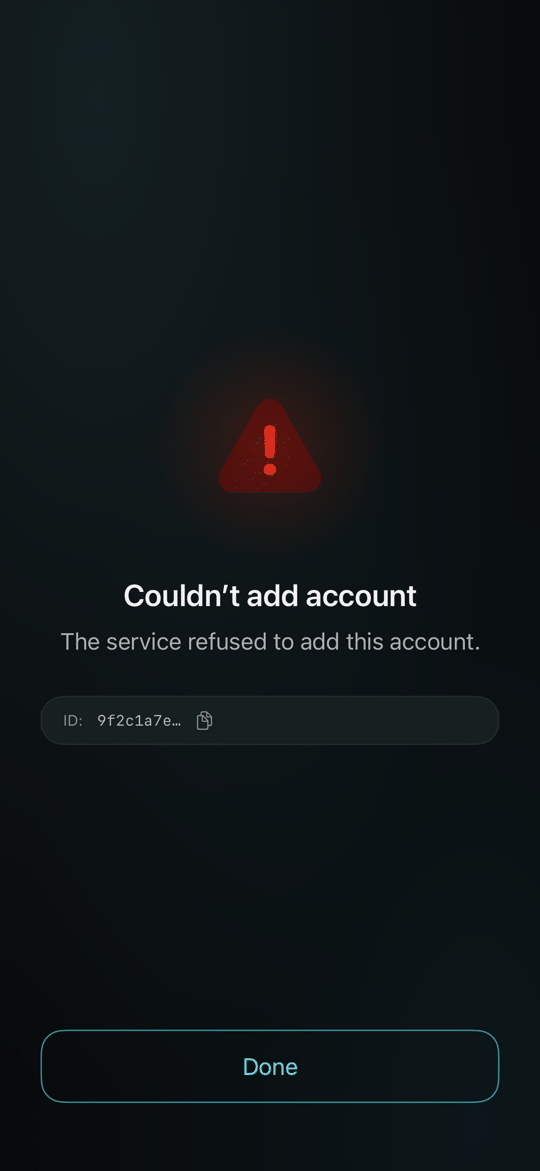
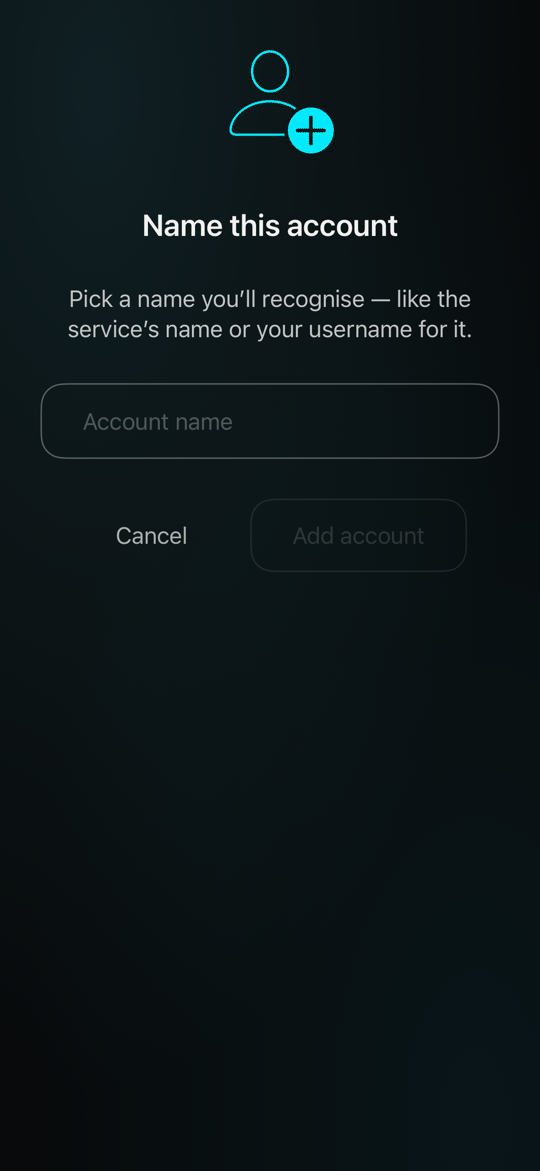
You scan an enrolment QR from your service. The app shows where it points, asks you to confirm, and binds this device to that account.

1The scanner recognises an enrolment invite and shows what it found.
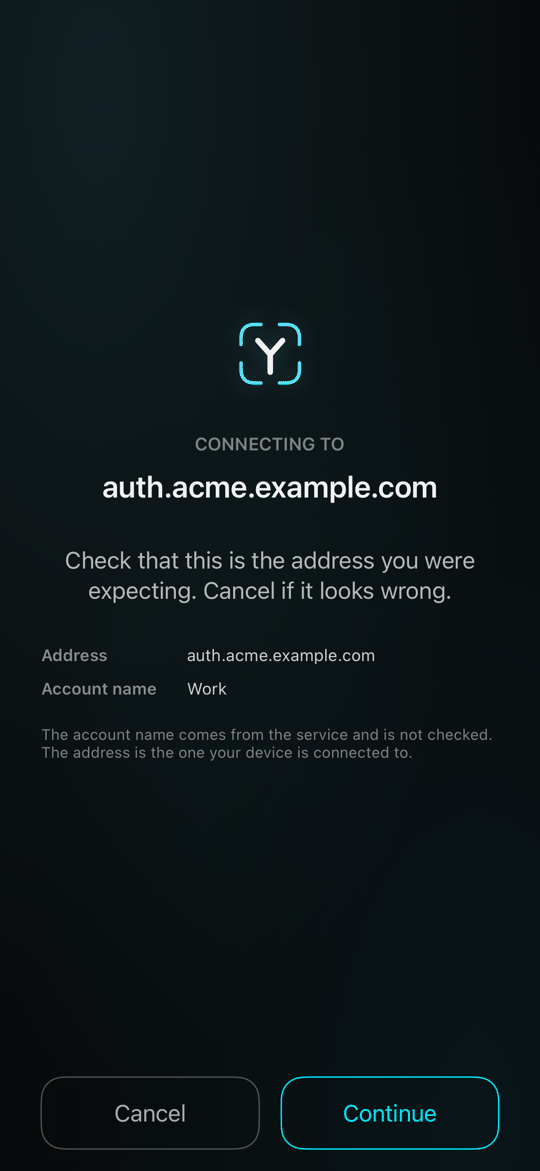
2Before anything is sent, the app shows the address the code points at and the name you gave the account. Check it is the address you expected, then continue.
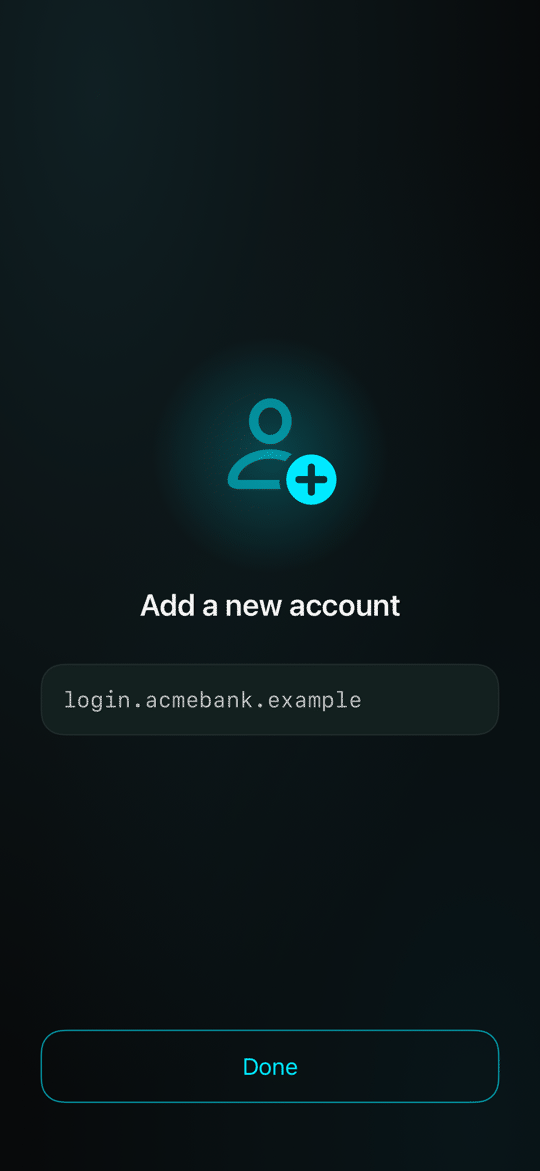
3The enrolment sheet, ready to go.
4Working: the account's keys are made on this phone, and only their public halves go to the service.
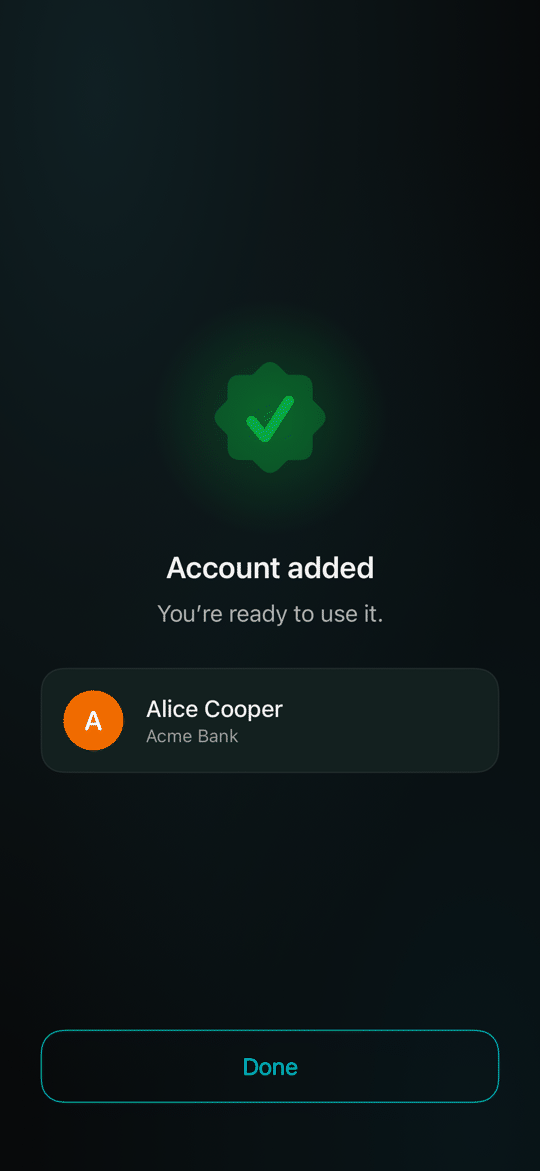
5Done — "Account added." Alice Cooper is now enrolled with Acme Bank.