Approving a sign-in
ReadyWhen a request arrives, you see exactly what you’re approving — which service, the details it sent, and sometimes a code to type back — then confirm with Face ID or Touch ID. That’s the whole thing.
Who this is for: anyone asked to approve a sign-in or a sensitive action on their phone, who wants to know what they’re confirming before they tap.
This is the task you'll do most. A request arrives, you see exactly what you are approving, confirm, and a signed decision goes back — in seconds. If anything looks off, you decline.
Approving a sign-in (Face ID + code)#
The core ceremony. A request arrives, you see exactly what you are approving, confirm with Face ID, and the signed decision goes back.
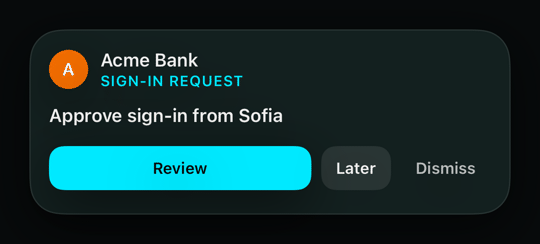

1The request drops in as a banner, already showing Acme Bank's name and Alice's avatar.
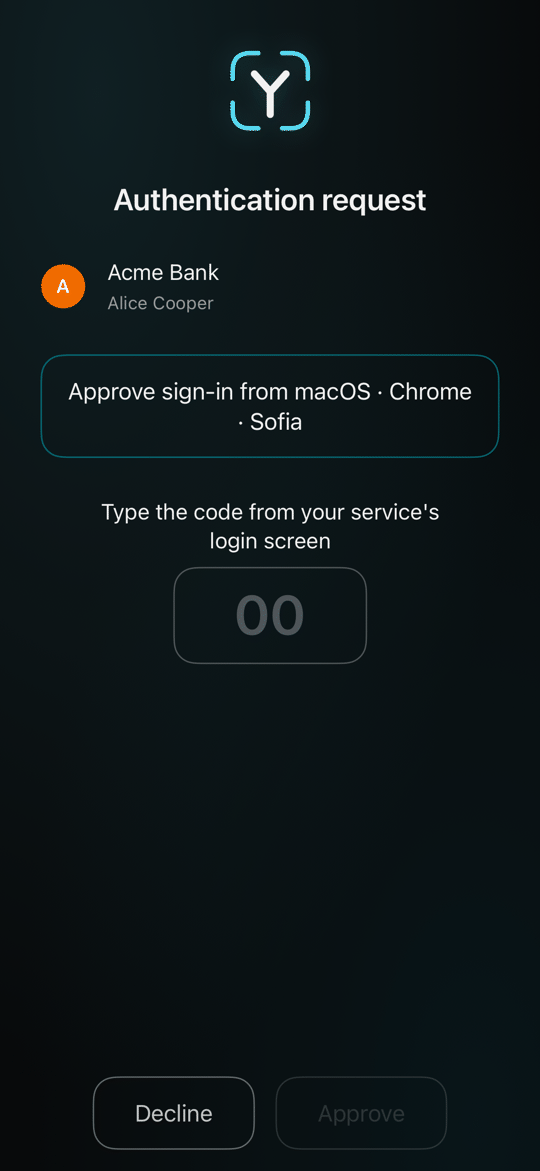
2Tapping it opens the decision: the service, the details it sent, and a box for the number on the service's screen. Typing it back stops a blind tap.
3Face ID confirms it is you — that prompt is the system's own — and the signed approval is submitted.
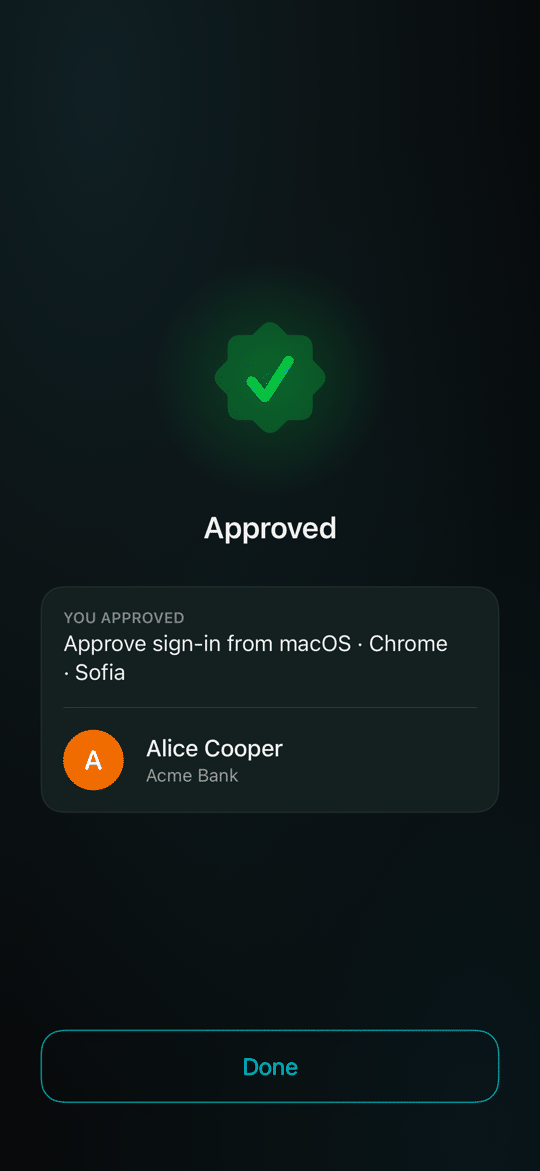
4Approved. You're done.
Request flavours#
Not every request is the same. A service chooses how strong the check must be — these are the shapes the decision screen can take.
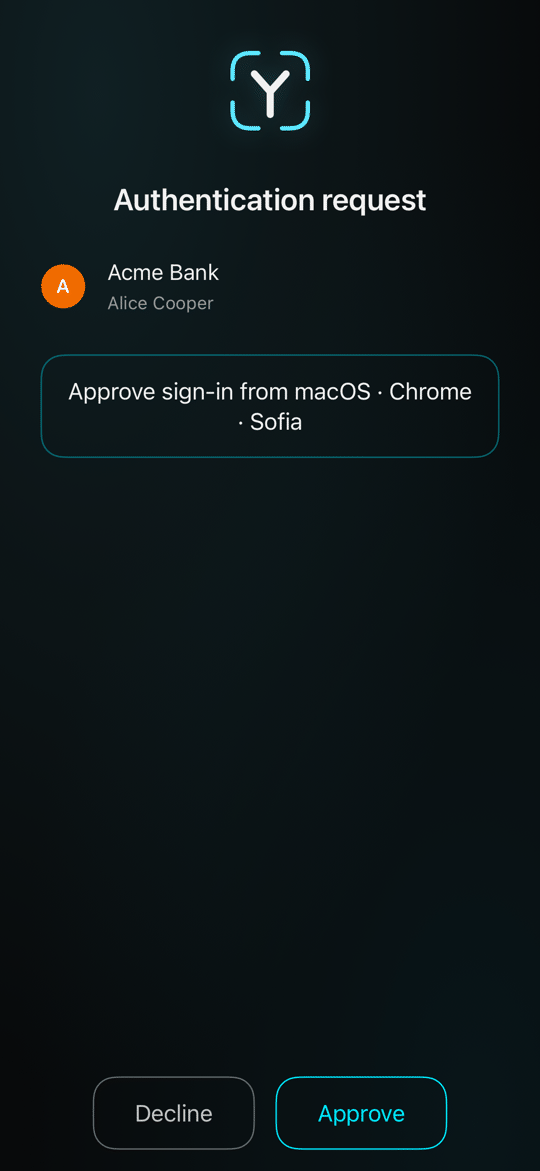
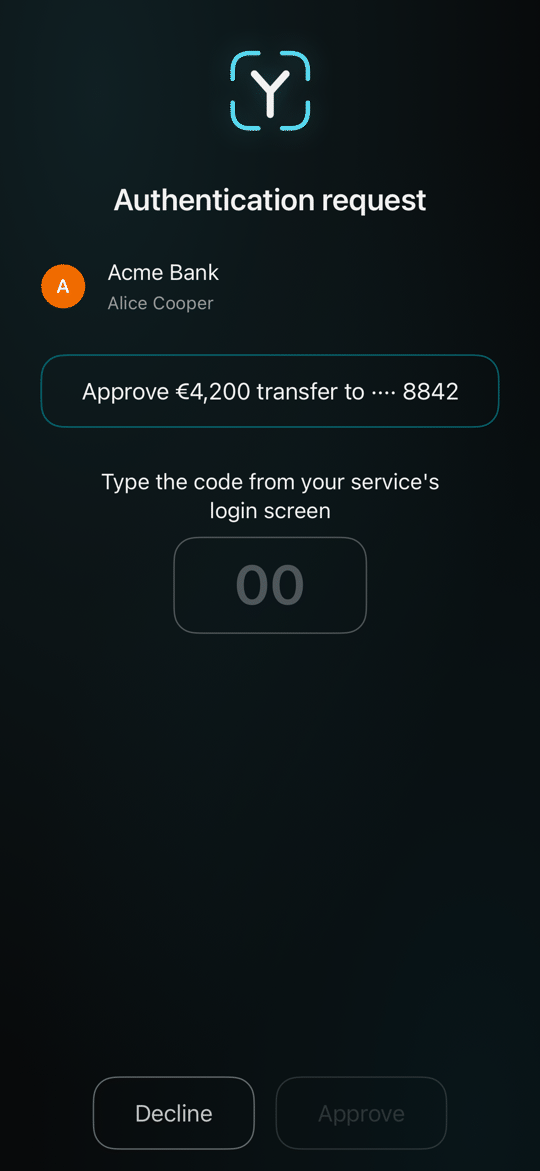
1Classic: a straight approve / deny.
2With a number-matching code — you must match a number shown by the service.
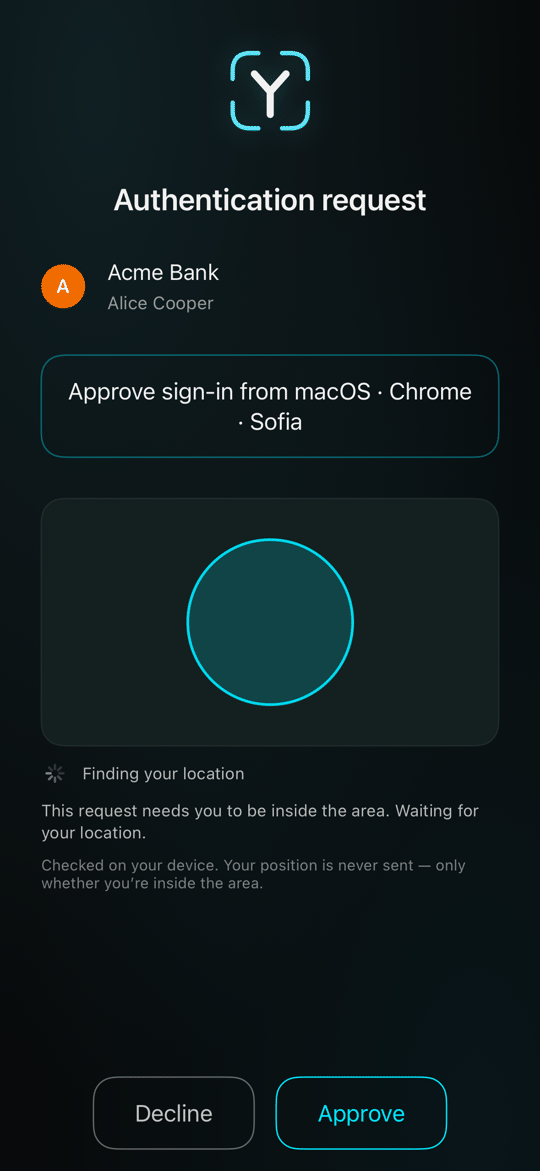
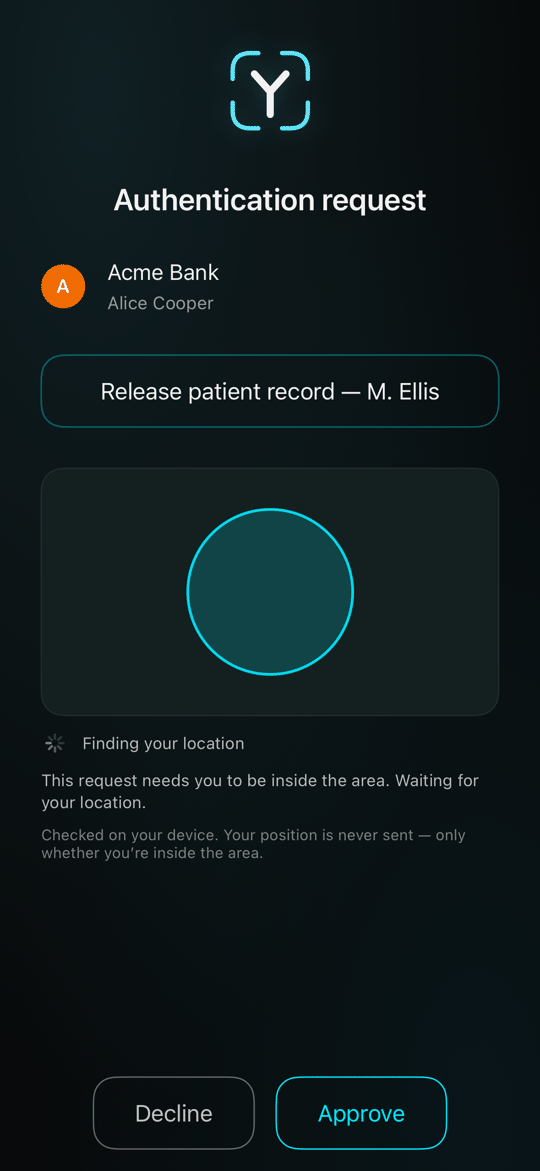
3With a location constraint — approval is only valid from an allowed place.
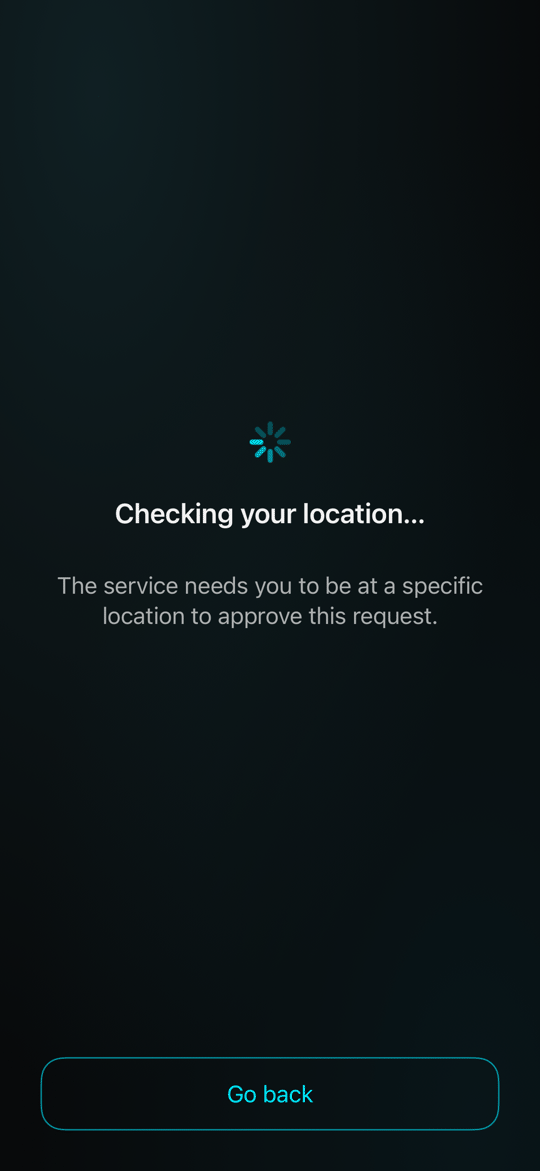
4…which can add a step: if the phone's location is not ready when you approve, the app checks it first. Go back returns to the request.
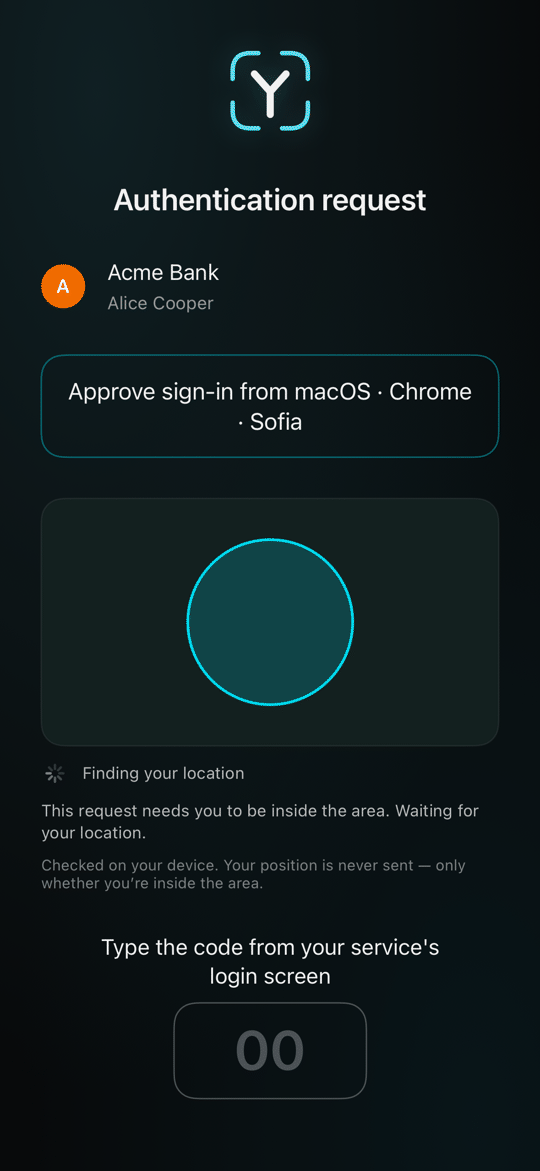
5And both together.
6It is not only sign-ins. Here the same screen approves a payment — with a matching code, so a blind tap cannot move money.
7…or releases a patient record, pinned to a place: the approval only counts from an allowed location.
Declining, and the mismatch alarm#
Saying no is first-class — with a reason — and the app tells you loudly if a service ever rejects something you approved.
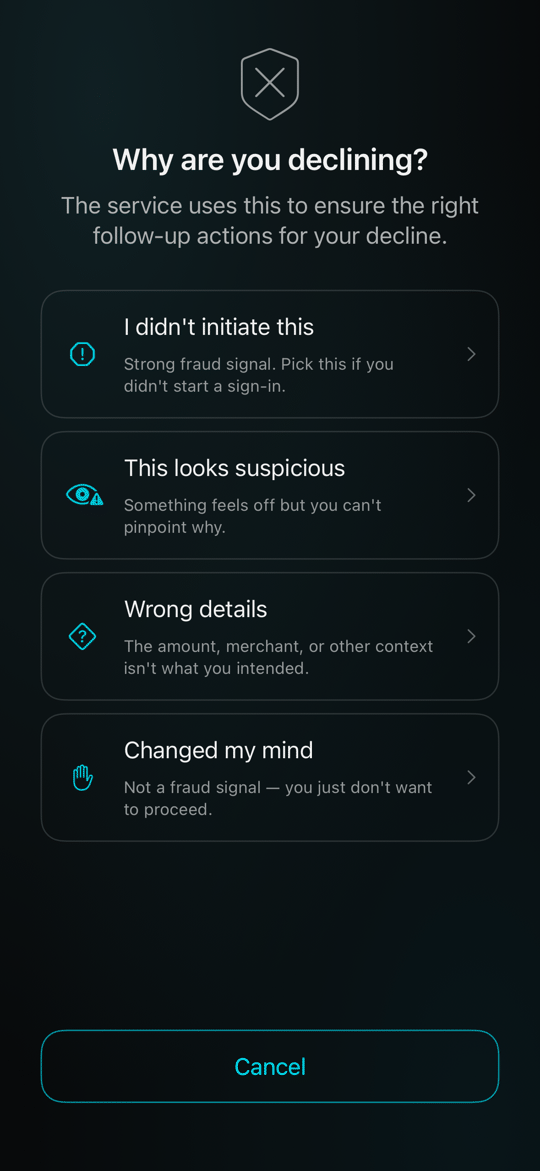
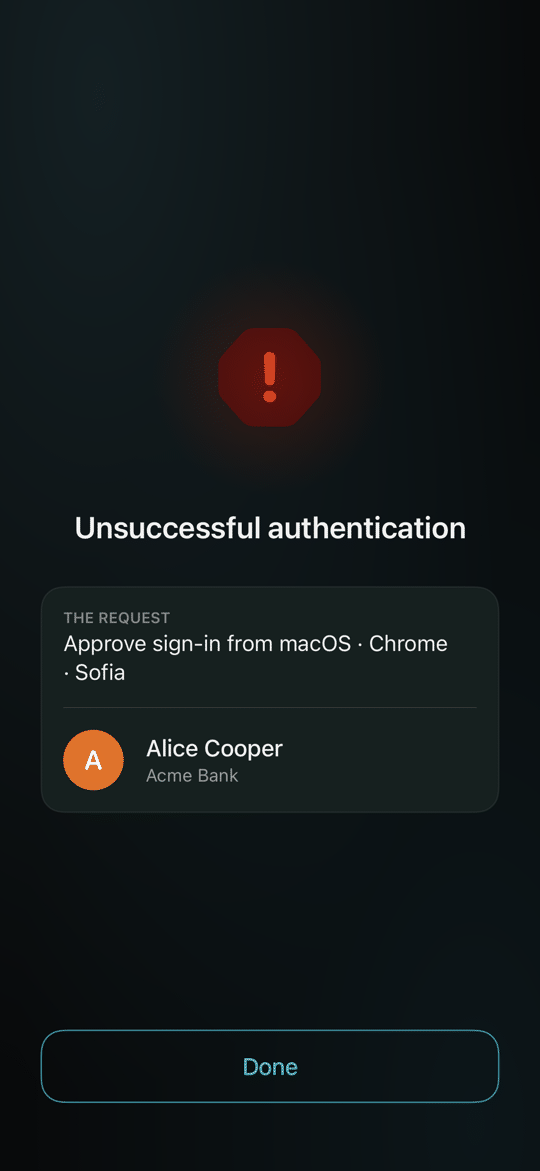
1Declining asks why — "I didn't initiate this", "Wrong details", "This looks suspicious" or "Changed my mind".
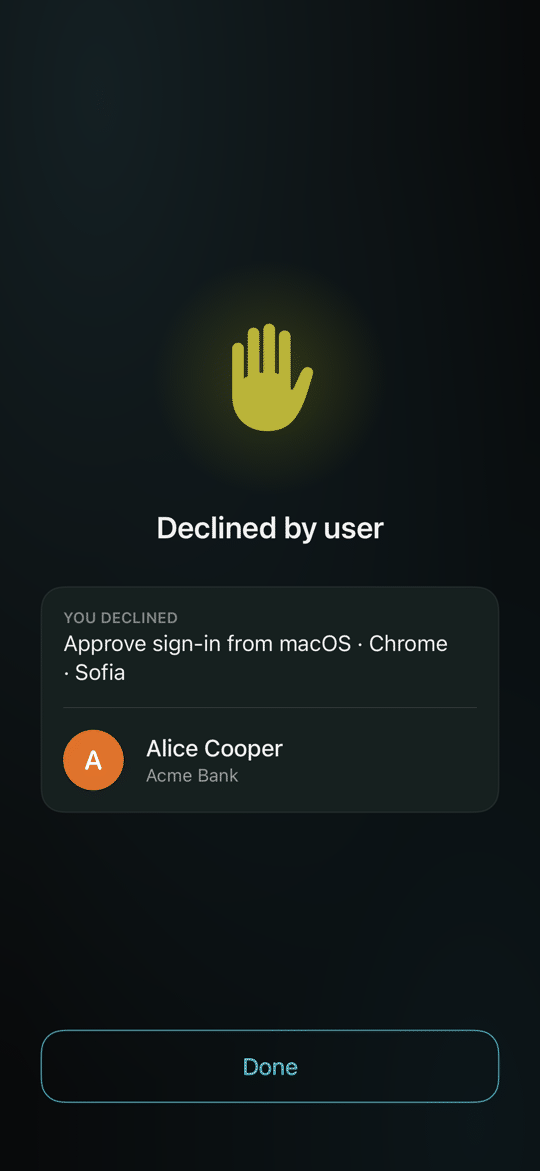
2Declined, cleanly.
3The alarm: you approved, but the service rejected it — shown in red, because that disagreement matters.